
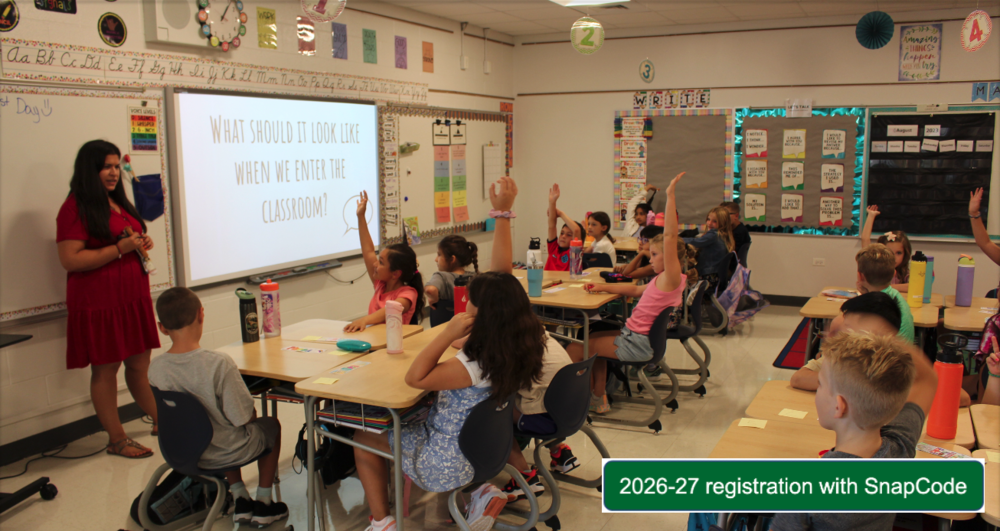
Registration for the 2026-27 school year is now open. To register, use the dark green "2026-27 registration with SnapCode" button that is now active on the district’s 2026-27 registration page: www.ccsd89.org/page/202627registrationwithsnapcode
 It is critical that families complete registration as soon as possible so the district can plan for staffing and supplies. Delaying registration could mean your student is not able to attend their neighborhood school. As a reminder, under the district’s administrative transfer policy (Board Policy 7:30-R Student Assignment and Intra-District Transfer), students can be moved to another CCSD 89 school if a grade level is over capacity.
You will need the SnapCode that you received in the U.S. Mail to complete registration. SnapCodes were mailed during the week of March 16.
If you are a returning student and have not received the SnapCode in the U.S. mail, or you lost your SnapCode, you will need to contact your school’s secretary. You will need to prove residency in order to receive your SnapCode.
If you are a new student and have not received the SnapCode, contact Barb Kosartes at bkosartes@ccsd89.org or (630) 469-8900. You will need to prove residency in order to receive your SnapCode.
Building secretaries
Arbor View jackerman@ccsd89.org
Briar Glen ryoung@ccsd89.org
Glen Crest nhanzel@ccsd89.org
Park View smullany@ccsd89.org
Westfield tcarter@ccsd89.org
Preschool jwhitehead@ccsd89.org
You can see the documents you will need to prove residency at www.ccsd89.org/page/202627preregistration
Families of current eighth-grade students will receive information about registering for high school from the district they will attend.
More information about registration: www.ccsd89.org/register
Frequently asked registration questions: www.ccsd89.org/registerFAQ
If you have further questions, please contact Barb Kosartes at (630) 469-8900 or bkosartes@ccsd89.org.
How to register
Use the SnapCode to log in to InfoSnap from the “Registration” tab on the district's website or the 2026-27 registration with SnapCode page.
Enter the username and password previously created. If you forgot your password, select “Forgot Password?” The district cannot retrieve passwords. Enter the SnapCode that you received via U.S. mail.
Begin registration and complete forms. Registration is not complete until all the forms have been filled out.
Registration fees
Registration fees are not paid at the time of registration. At a later date, families will get an invoice from MySchoolBucks with information on how to pay the required and optional school fees.
Fee waiver
If you would like to apply for a fee waiver, please read Policy 4:140 regarding "Waiver of Student Fees" and fill out the fee-waiver application form.
Your fee-waiver status does not carry forward from the prior school year. You must re-apply on an annual basis. Submit the fee-waiver form and required documents as soon as possible to your student's home school or to the CCSD 89 Administrative Office at 22W600 Butterfield Road, Glen Ellyn, IL 60137.